
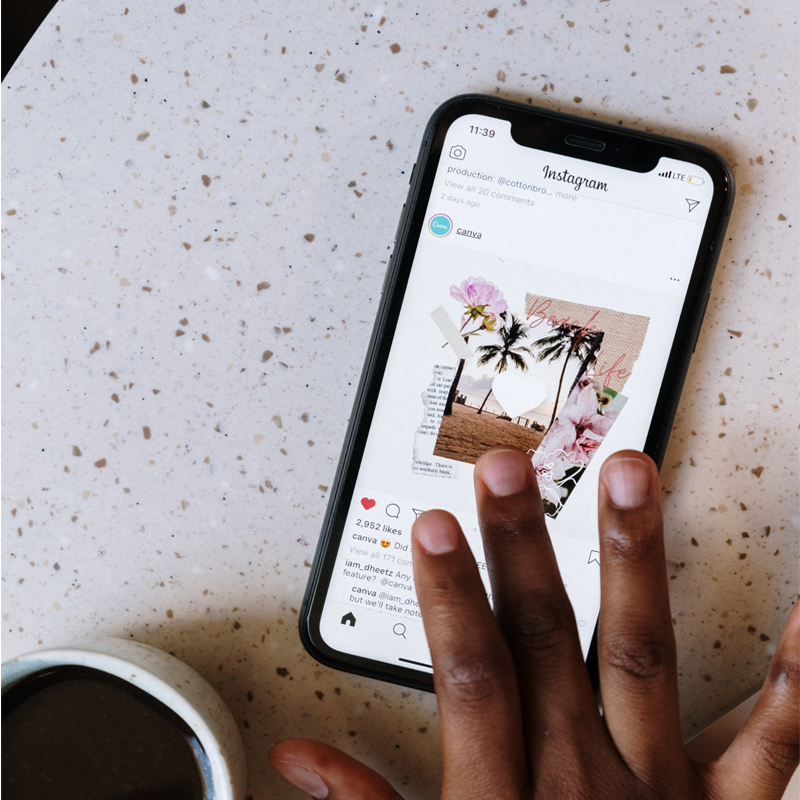
Instagram Reels has seen several revisions that include the addition of new creative tools, improved engagement strategies, and modifications to the sharing of films.
Instagram Reels may now last up to 90 seconds, as opposed to the previous 60. Even though the new function still prevents Reels from becoming as lengthy as Tik Tok, which can now last up to 10 minutes.
DC-based marketer and influencer Josephine Hill tweeted about the feature in March, But developer Alessandro Paluzzi had earlier this year found a prototype of the upcoming feature in the app’s source code.
How to Use the New Templates:
As you probably know by now, Instagram has replaced the old Stories feature with Reels. And while the basic concept is pretty much the same, there are a few new features that you’ll want to know about.
In addition, Reels now has a “Boost” feature, which allows you to promote your videos to a wider audience. Just tap the Boost button below your video and select the target audience you want to reach.
Boosting Your Reels:
You can now boost your Instagram Reels by adding a paid promotion. When people view your Reel, they’ll see a “promote” button in the top right corner.
It’s a great way to reach more people with your story and drive traffic to your website.
Using Reels as Ads:
If you’re looking to create even more engaging content, you’ll be glad to know that Instagram has just released a whole slew of new features for Reels.
– You can now create templates for your Reels, which will make them look even more professional.
– There’s now a boost button, which will make your Reel more visible to other users.
– You can now add music to your Reels, which will add a whole new level of excitement.
Creating Enhanced Remixes:
With the new Instagram Reels features, you can now create enhanced remixes of your videos.
First, select the video you want to remix. Then choose a template and add in your text, graphics, and stickers. You can also change the music and speed of the video.
Converting Video Posts to Reels:
Open Instagram and go to the post you want to convert to a reel. Tap the three dots in the top right corner of the post and select ‘Convert to Reel.’
You’ll then have the option to add music, filters, and more before publishing. Keep in mind that you can only convert videos that are less than one minute long.
Conclusion:
The length of the reels has been updated to 90 seconds. This gives you more time to tell your story and makes it easier to keep people’s attention.
To access the templates, just tap the camera icon on the Reels tab. This is a great way to get inspired and create videos that look professional and polished.
And finally, Instagram will automatically convert all video posts shorter than 15 minutes into Reels. So if you have a video that’s shorter than 15 minutes, don’t worry – it will still be shown as a reel on Instagram.