
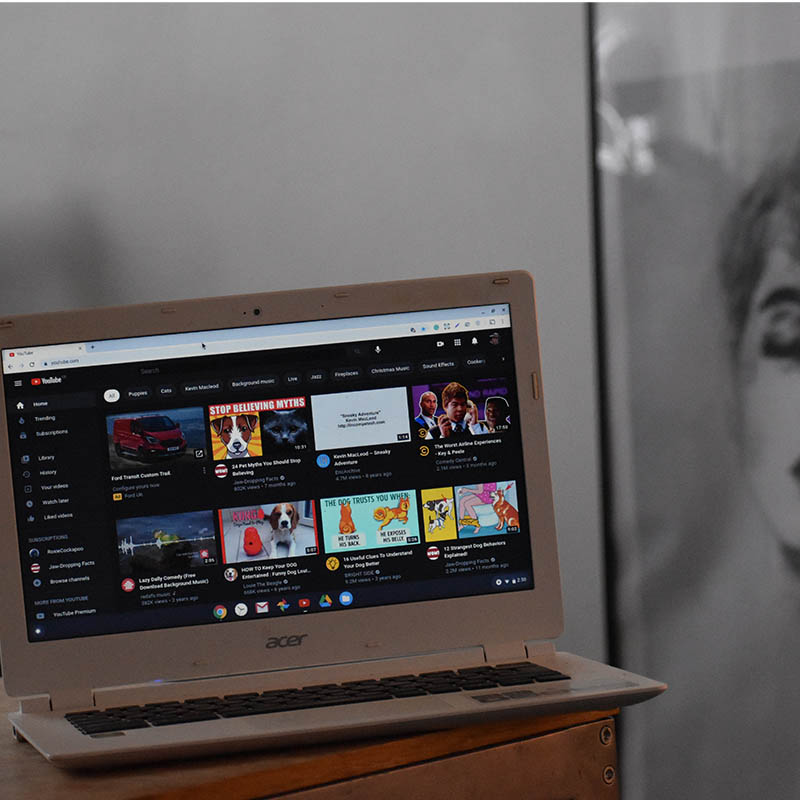
Youtube has provided a visual treat for the users. Youtube has made an update that users can edit or make changes in their video even after uploading it or even after going live. This update has created happy faces for youtube users.
The previous version of youtube created more issues that if we want to make changes or edit our uploaded video we have to remove it, re-edit it, and then re-upload it. This created disappointment among the users of youtube.
So the users started mentioning this inconvenience in their pages and the youtube team has decided to make the changes so that youtube becomes a user-friendly app for the customers to use. this update has created more excitement among the users.
Youtube knew the pain of its creators by deleting the video, losing the views, and again reuploading it. so youtube decided to include some correction features that will solve most of the problems and make it easy to use.
Let’s take a look at how these corrections work:
After the upcoming update the users using the platform can make edits and changes using the “youtube correction features”.this feature is a mixture of old and new versions, so the creators are advised to provide clarification on their description or in their comment sections.
With this feature, you can alert the viewers if there is an error in a particular place and then link them to the description page where the clarification will be provided in detail.
on the description page, the eros will be differentiated into categories and a short explanation will be provided in it. and the creators can create as many clarification pages by adding a hashtag with it.
This update is not the perfect one but still while compared to the old version this helps out the creators to edit their errors using the tool and that can be explained to the viewers too by adding it in the description.
When we add a patch to a youtube video the viewers will be able to see a signal card at the time of the error. This signal card teaser which signals the presence of correction will be shown once the entire video is completed.
Methods To Edit Uploaded Video On Youtube:
- Open youtube
- Sign in to youtube studio
- Navigate the left-hand side menu and select the content
- Select the video title or thumbnail
- Do the needed corrections in the settings
- Select the video and add relevant corrections
- And click on save
This updated feature will also help the creators to make corrections in their older videos too. This new feature of youtube is to facilitate the editing experience of the creators on the platform for the content being viewed.in fact, if the content becomes incorrect with time and if the video is still engaged, the creators can still fix it.